Before · posted raw

cleantopost AI info
•••
AI info


 AI label shownObserved on the raw uploadcleantopostAI info

Processed locally
Remove supported file metadata before you post.
Lossless first. Nothing uploaded.
 JPEG + PNG + WebP
 Lossless first
 No signup
CLEAN
CREATIVE
CONFIDENT
EVERYWHERE
Processed locally in this browser.
 Stays on your device
One image or a whole batch.
REAL POST TEST
In this Instagram test, the raw upload got the “AI Info” label. The version cleaned first did not.
Same source image
 Same account
Same platform
 Different preprocessing
Before · posted raw
AI info
AI label shownObserved on the raw uploadcleantopostAI infoAfter · cleaned first
No AI label shownObserved after cleaning firstcleantopostNo AI infoAI label on raw upload. No label after cleaning.
WHY CREATORS TRUST CLEAN TO POST
Three simple promises: local processing, lossless-first cleaning, and automatic local re-encoding only when it is required.
Your image bytes do not go to a Clean To Post server.
Encoded image data stays untouched whenever a lossless clean can fully remove the supported metadata.
Clean To Post always creates a new output. If re-encoding is required, it happens locally without touching your source file.
HOW IT WORKS
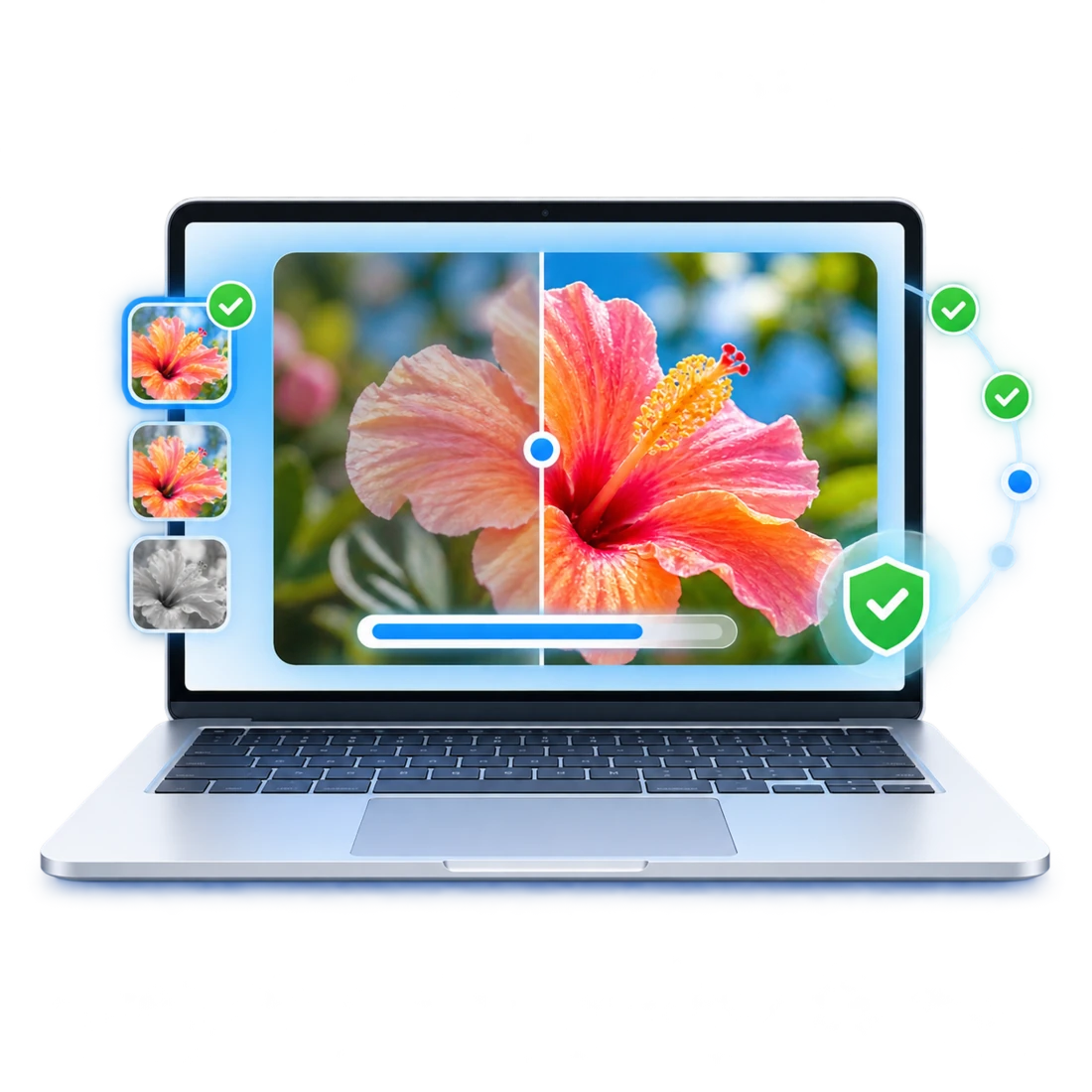
Choose JPEG, PNG or static WebP files, let Clean To Post inspect and clean supported metadata locally, then save or share the result.
Add one image or a whole batch from your device.
Drop JPEG, PNG or WebP files here
One image or a whole batch.



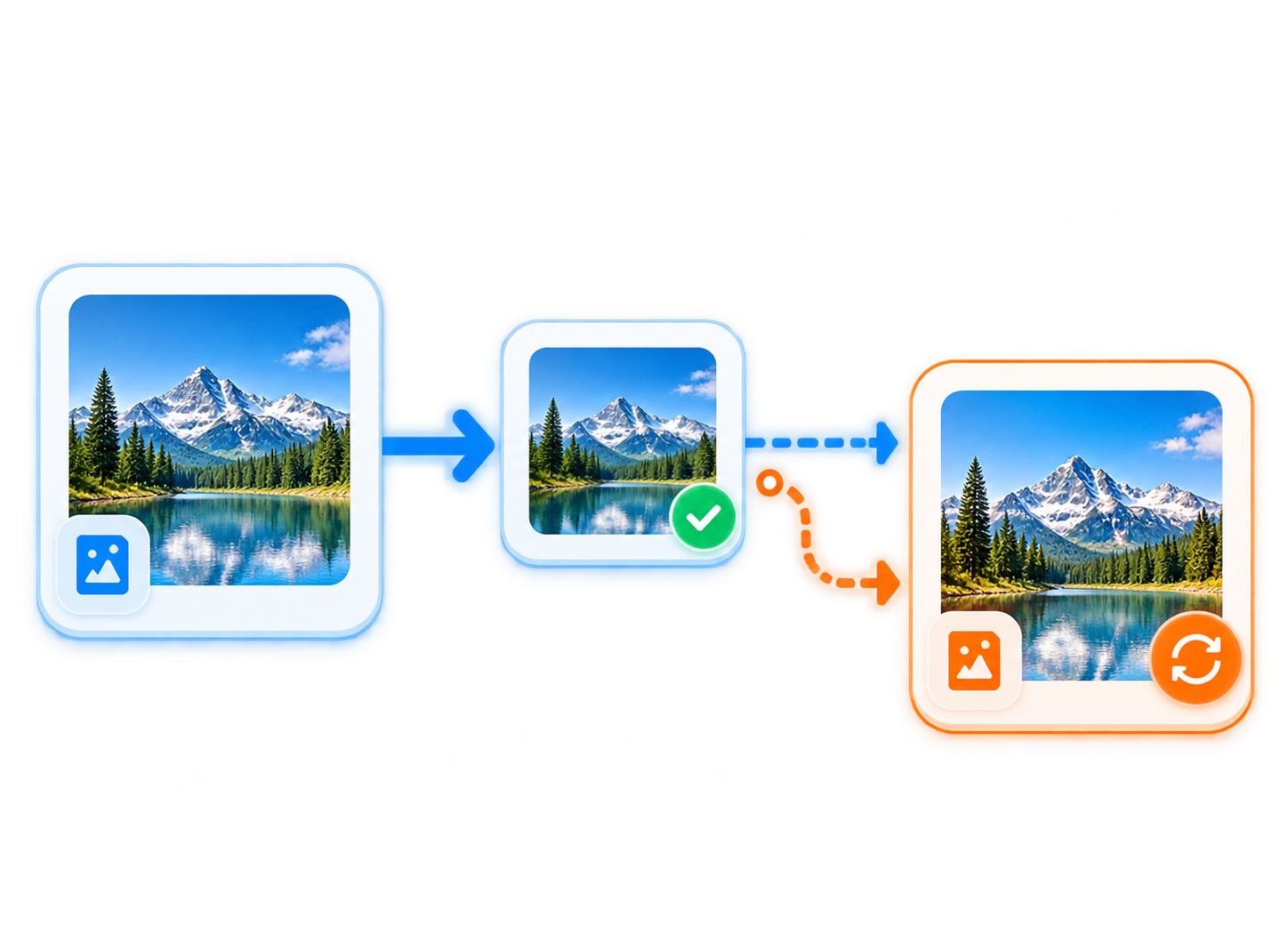
Clean To Post starts lossless, then automatically re-encodes locally only when remaining metadata requires it.
Lossless first Automatic re-encode only when required
Download, share, or post the cleaned copy.
Cleaned and ready DownloadShareReady to postCleaned copy is ready to use.
RESULTS
Every finished file is Clean. If one needed a local re-encode, that stays visible as a small processing detail.
All three finished on the lossless path.
CleanCleanCleanLossless · image payload preservedNo pixel decode/re-encode on this path.Supported metadata removedEXIF, GPS, XMP, provenance and other supported file metadata.Save allShare3 Clean1 re-encoded locally
CleanCleanRe-encoded locallyCleanRe-encoded locallyUsed only when remaining metadata cannot be removed losslessly.Original unchangedThe re-encoded result is always a new clean file.Save allShareYour files stay with you
Clean To Post removes supported file metadata locally, so you can share with more confidence.
Your files stay in your browser or on your device.
Clean To Post does not send source image bytes to its own server.
It removes supported file metadata. It does not promise to remove SynthID or guarantee no AI label.
BEFORE YOU USE IT
Quick answers to the most common questions about how Clean To Post works, what it removes, and your privacy.
Read the privacy policyDoes Clean To Post upload my images?No. Inspection and cleaning happen locally in your browser. Your source image bytes are not sent to a Clean To Post application server.
What does it remove?V1 targets supported EXIF, GPS, XMP, IPTC, comments, textual metadata and C2PA provenance in JPEG, PNG and static WebP files. Rendering-critical data is preserved when required.
What does Lossless Clean mean?The encoded image payload is copied without recompression. Container metadata can change while the compressed image data stays byte-for-byte intact.
What does Re-encoded mean?The result is still Clean. It means Clean To Post had to decode and re-encode that image locally because the remaining supported metadata could not be removed losslessly. JPEG and WebP may be recompressed, so file size can change. Your original is never replaced.
Will this remove SynthID or guarantee no AI label?No. SynthID is a pixel-level signal, not ordinary file metadata. Platforms may also use their own systems, so Clean To Post makes no guarantee about labeling behavior.
Which files are supported?JPEG/JPG, PNG and static WebP. Animated WebP is not supported yet and is rejected instead of being partially processed.
Ready to post
JPEG, PNG and static WebP metadata cleaning, processed locally and lossless first.
Nothing uploadedOriginals unchangedRe-encoded only when needed